Import today and get 30 Days of Mealist Premium for Free.
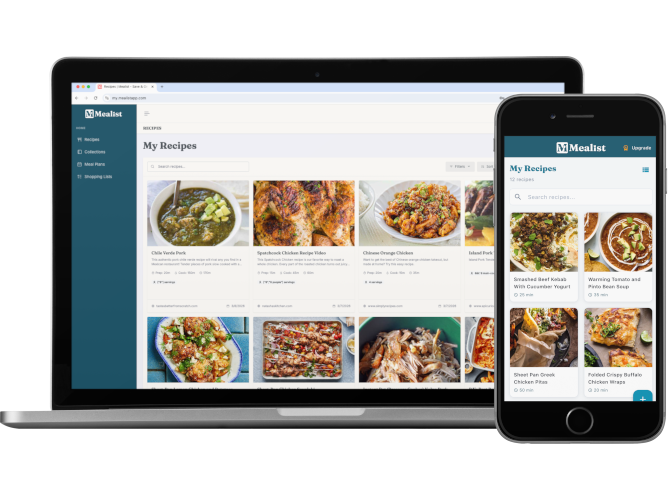
No manual re-entry. No lost photos. Export from your old app, upload once, and Mealist handles the rest.
Generate an export file in Recipe Keeper or Paprika. Takes about 30 seconds — we'll show you exactly how below.
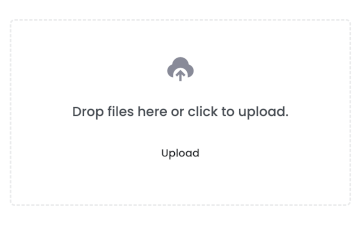
Drop your file in the import tool. Mealist reads every recipe — ingredients, instructions, and photos — and shows you a preview before anything is saved.
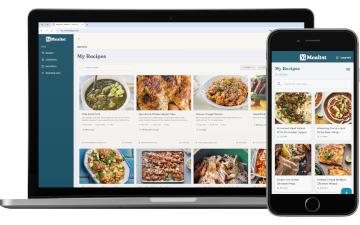
Hit confirm and your recipes appear. Collections, photos, notes — everything comes with them. You'll feel right at home.
| Feature | Recipe Keeper | Paprika | Mealist |
|---|---|---|---|
| Import from websites | ✓ | ✓ | ✓ |
| Save from Instagram & TikTok | Limited | ✗ | ✓ |
| Chrome extension | ✗ | ✗ | ✓ |
| iOS + Android + Web | Paid per platform | Paid per platform | ✓ One subscription |
| Household / Family sharing | ✗ | ✗ | ✓ |
| Meal planning | ✓ | ✓ | ✓ |
| Shopping lists | ✓ | ✓ | ✓ |
| AI-powered recipe parsing | ✗ | ✗ | ✓ |
When you import your recipes, you're bringing a lifetime of cooking with you. That's worth celebrating. Import today and get Mealist Premium free for 30 days. Applied at upgrade.
Follow these steps, then upload the file in your Mealist account under Import Recipes.
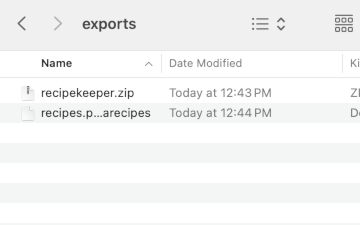
Settings.Export Recipes → Export All Recipes..zip file to your device.Import Recipes.File → Export in the menu bar.Paprika Recipe Format as the export type..paprikarecipes file.Import Recipes.I used to have recipes saved in my Instagram bookmarks, my camera roll, random screenshots, and three different apps. Mealist finally gave me one place for everything. The Instagram import is magic.
The Chrome extension is genius. I'm browsing NYT Cooking, click one button, and boom, recipe is saved with all the ingredients and steps perfectly formatted. No more copy-pasting into notes apps.
As someone who meal preps every Sunday, the meal planning feature changed my life. I can see my whole week, auto-generate my grocery list, and actually stick to the plan. Worth every penny.
Yes — titles, ingredients, instructions, prep times, and photos all import. For Recipe Keeper we read the structured data embedded in each recipe file. For Paprika we parse the export format directly. You'll see a full preview before anything is saved to your account.
No. During a migration import your entire collection comes in regardless of size. You'll get 30 days of free Premium access to explore everything when you choose to subscribe.
Not at all. Mealist imports a copy of your data. Your Recipe Keeper or Paprika account stays exactly as it is. Try Mealist at your own pace and switch over fully when you're ready.
More importers are on the roadmap. In the meantime you can import recipes one at a time by pasting a URL — Mealist parses them automatically. Or reach out at hello@mealistapp.com and we'll see what we can do.
Bring everything over. It takes minutes.
Get Started FreeFree to start · 30 days free when you upgrade